ST / REPLAY

Your Screen Time,
judged.

A private, slightly judgemental replay of where your hours actually went — ten story cards and a detailed dashboard, built from Screen Time data on your device.

Your phone kept the ledger. We supplied the raised eyebrow.

Download on the App StoreiOS 17+ · No account required · Screen Time analysis stays on your device
The report, card by card

Ten cards tell the story.

From the first pickup to the final receipt, swipe through the month exactly as ST Replay presents it.

Card 1 / 10
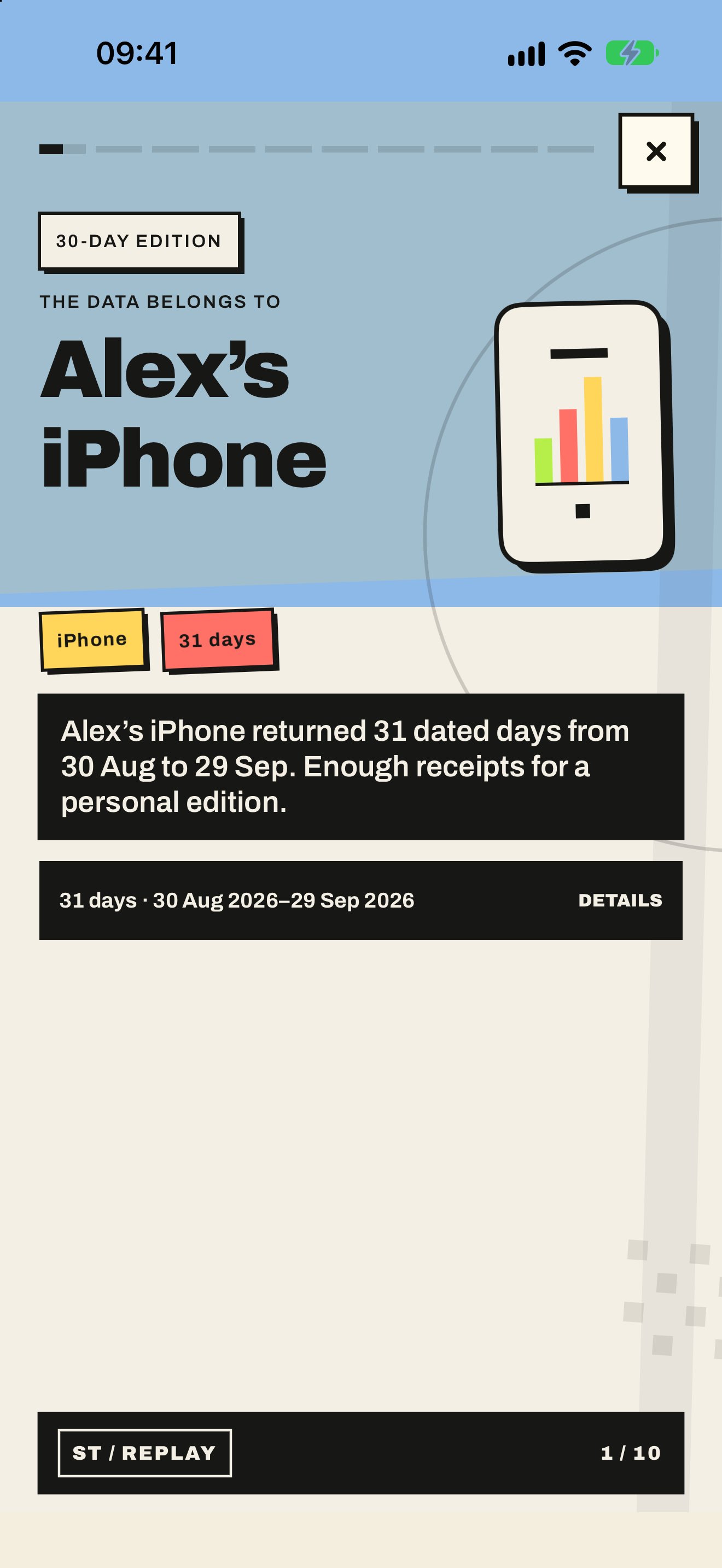
Story card 01: The data window
01

The data window

Which device, how many days and what iOS returned.
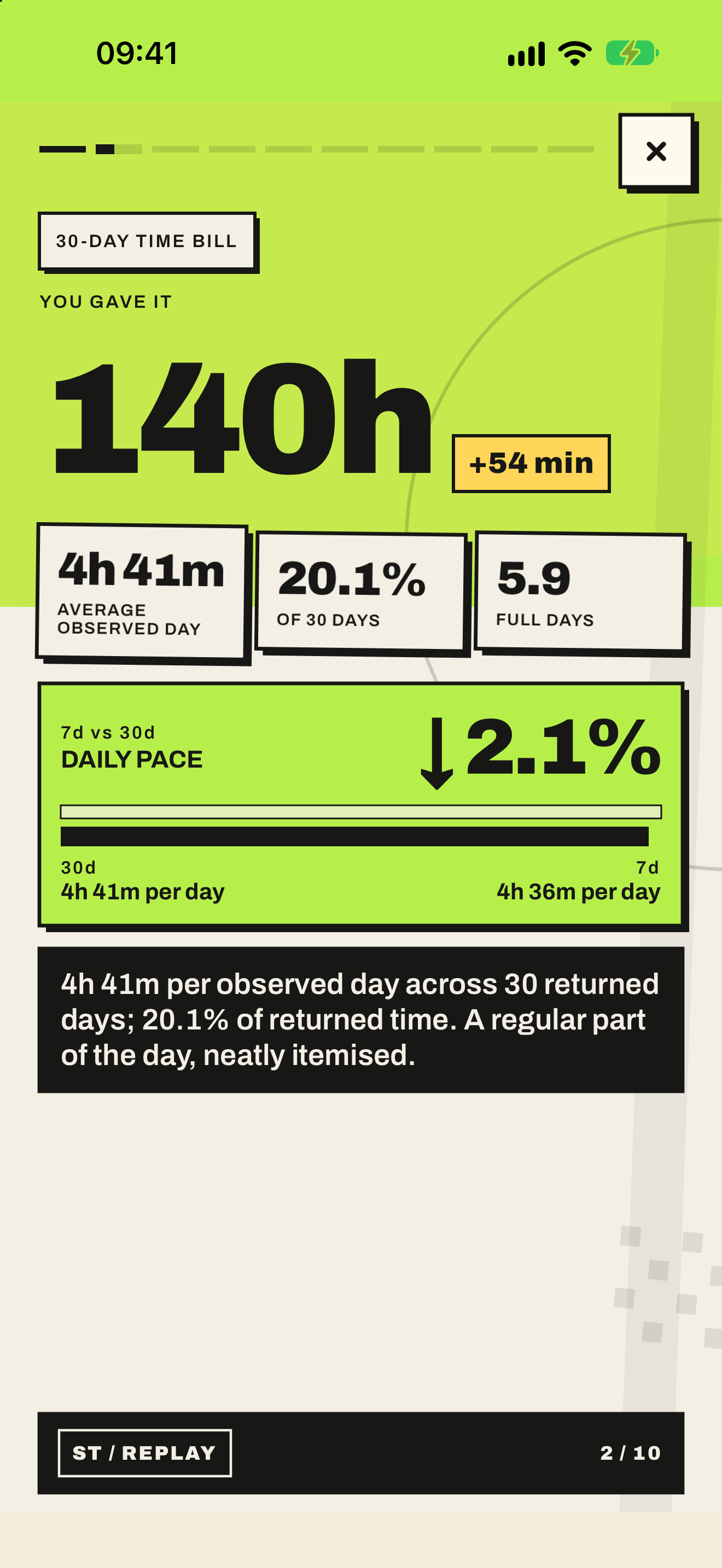
Story card 02: The time bill
02

The time bill

Total hours on the rectangle, itemised like an invoice you never asked for.
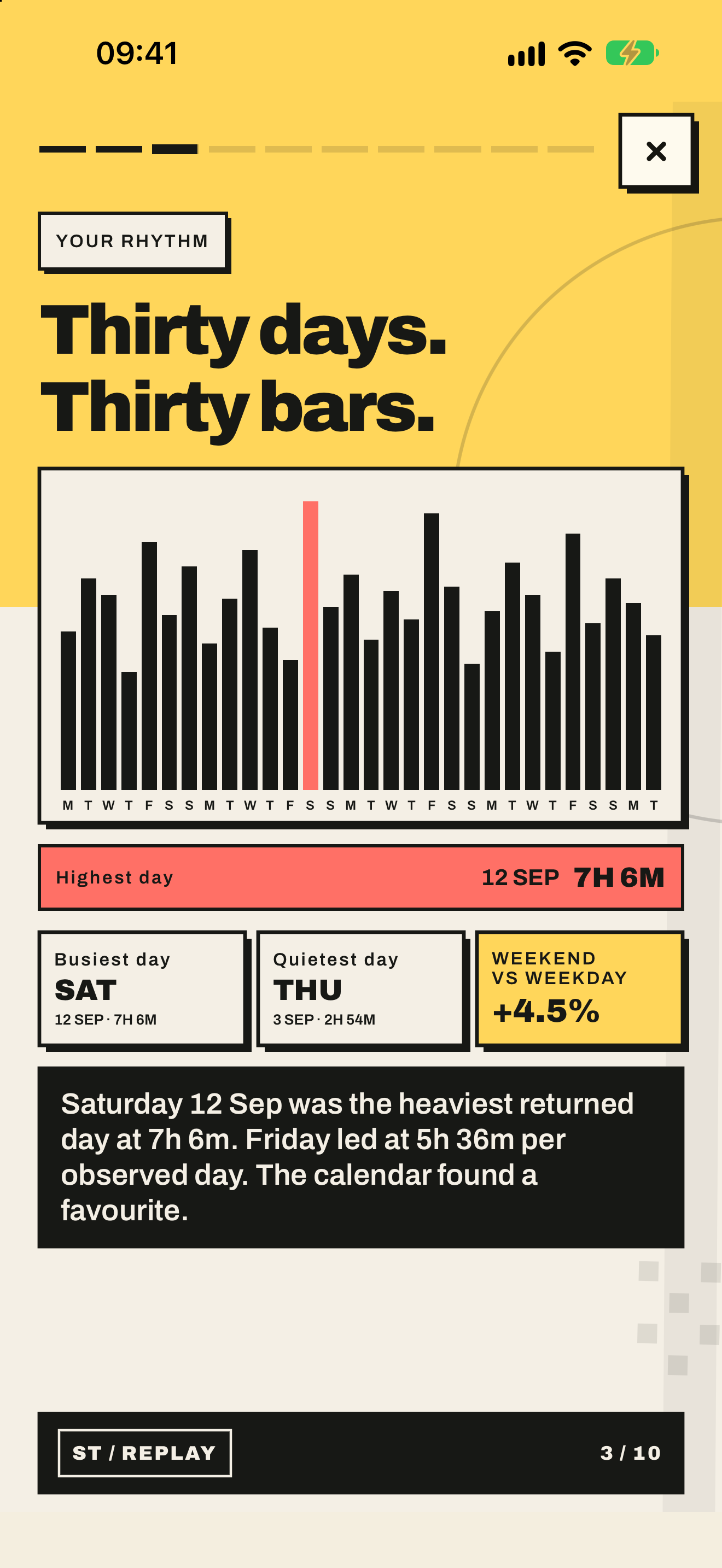
Story card 03: Your rhythm
03

Your rhythm

Weekdays against weekends, busiest days and quieter ones.
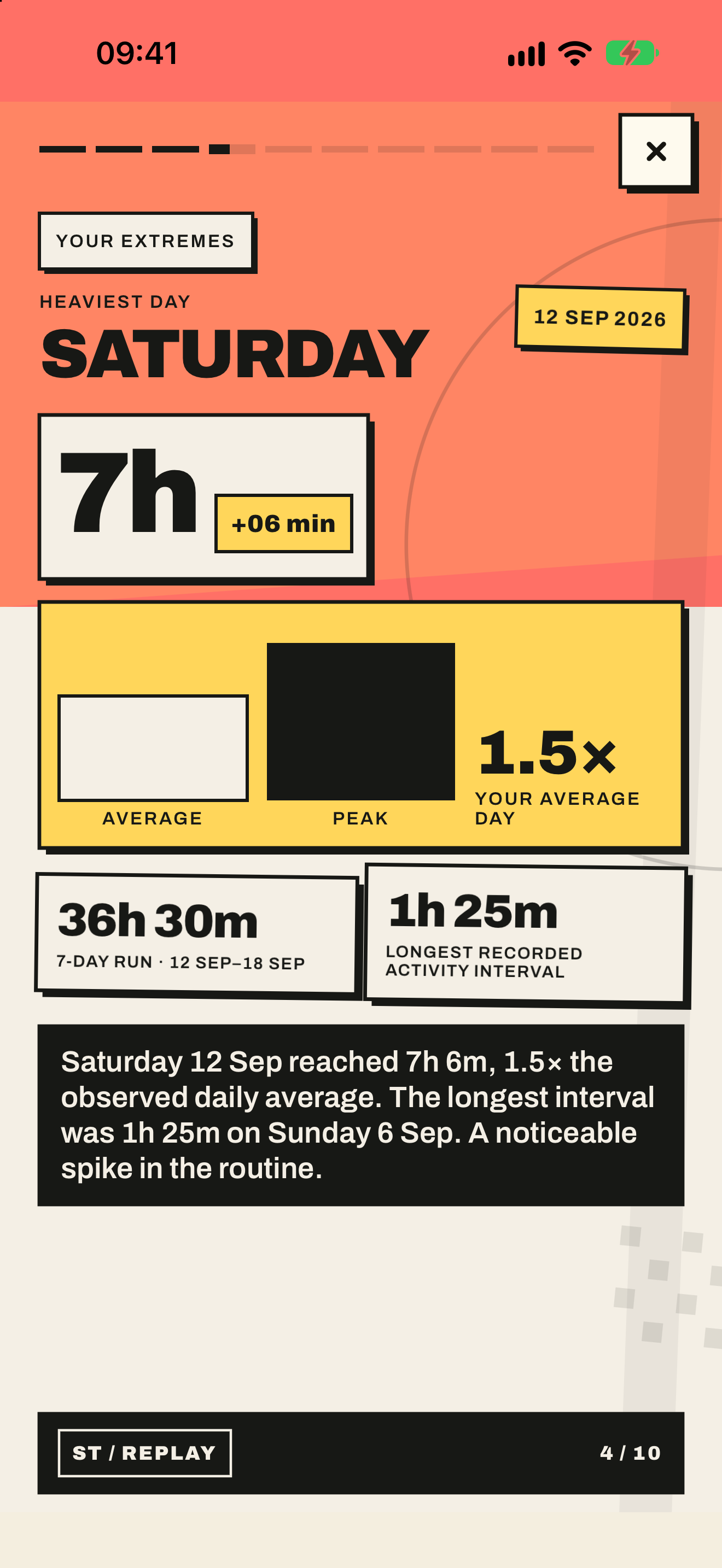
Story card 04: Your extremes
04

Your extremes

Your heaviest day, longest run and longest uninterrupted sitting.
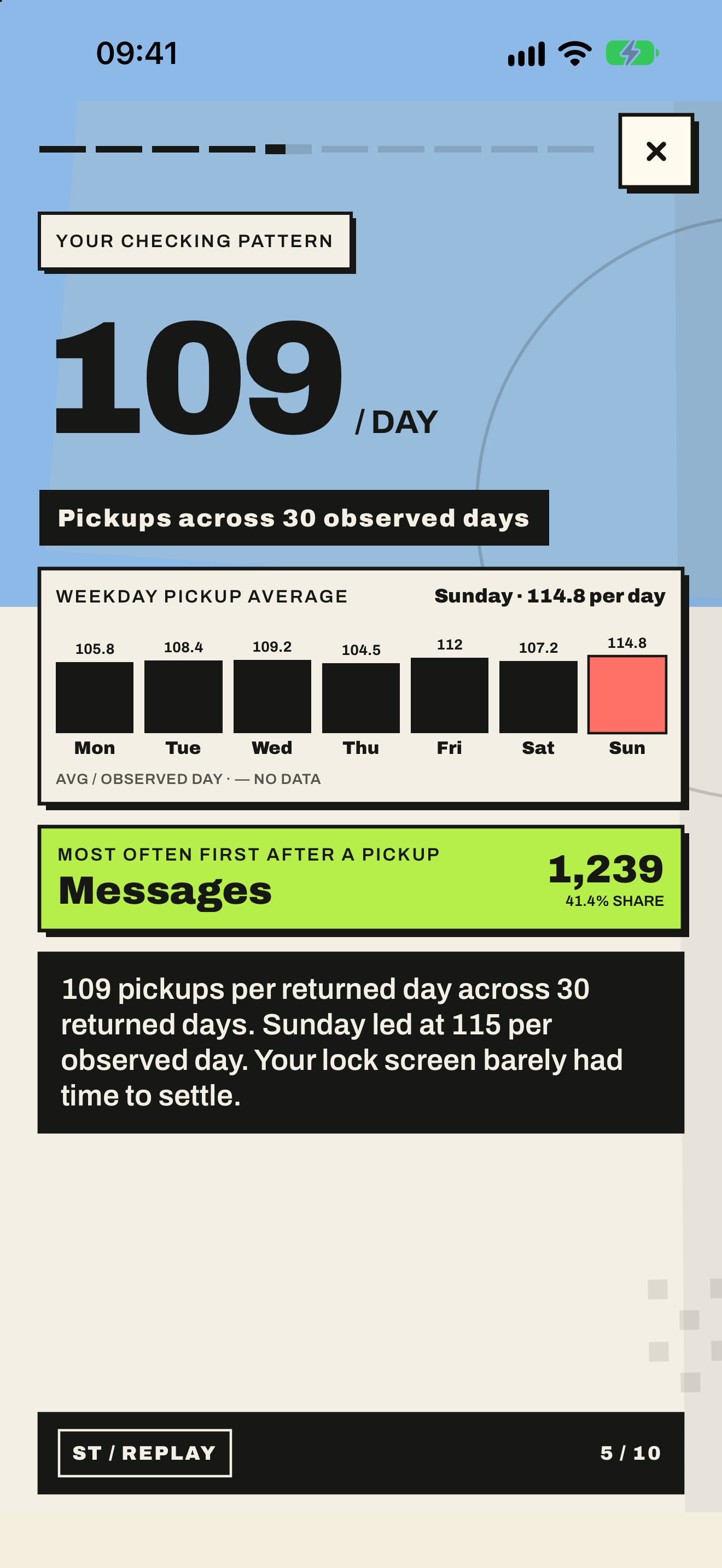
Story card 05: Your checking pattern
05

Your checking pattern

Pickups per day and the hours when your hand reaches for the phone first.
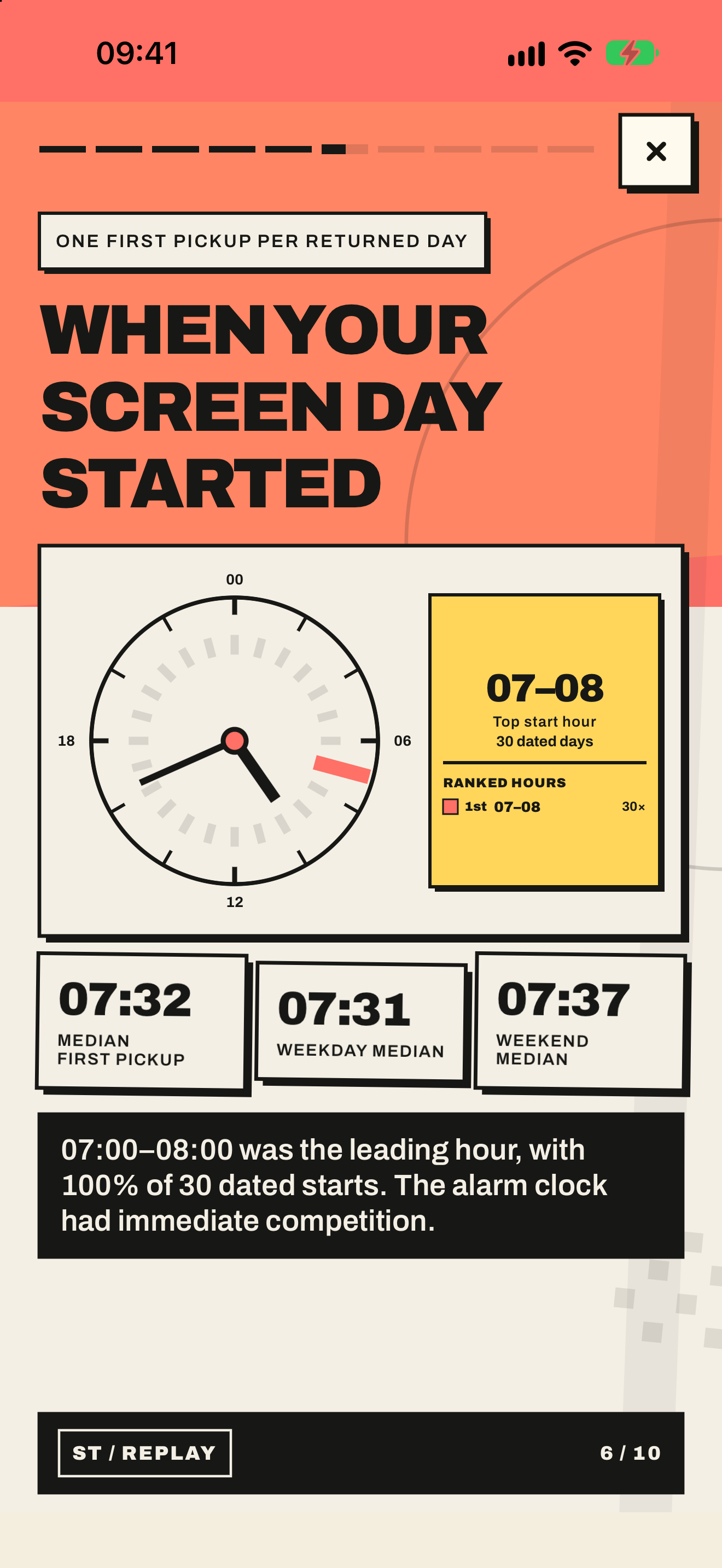
Story card 06: First pickup
06

First pickup

The app that greets you before you are fully awake.
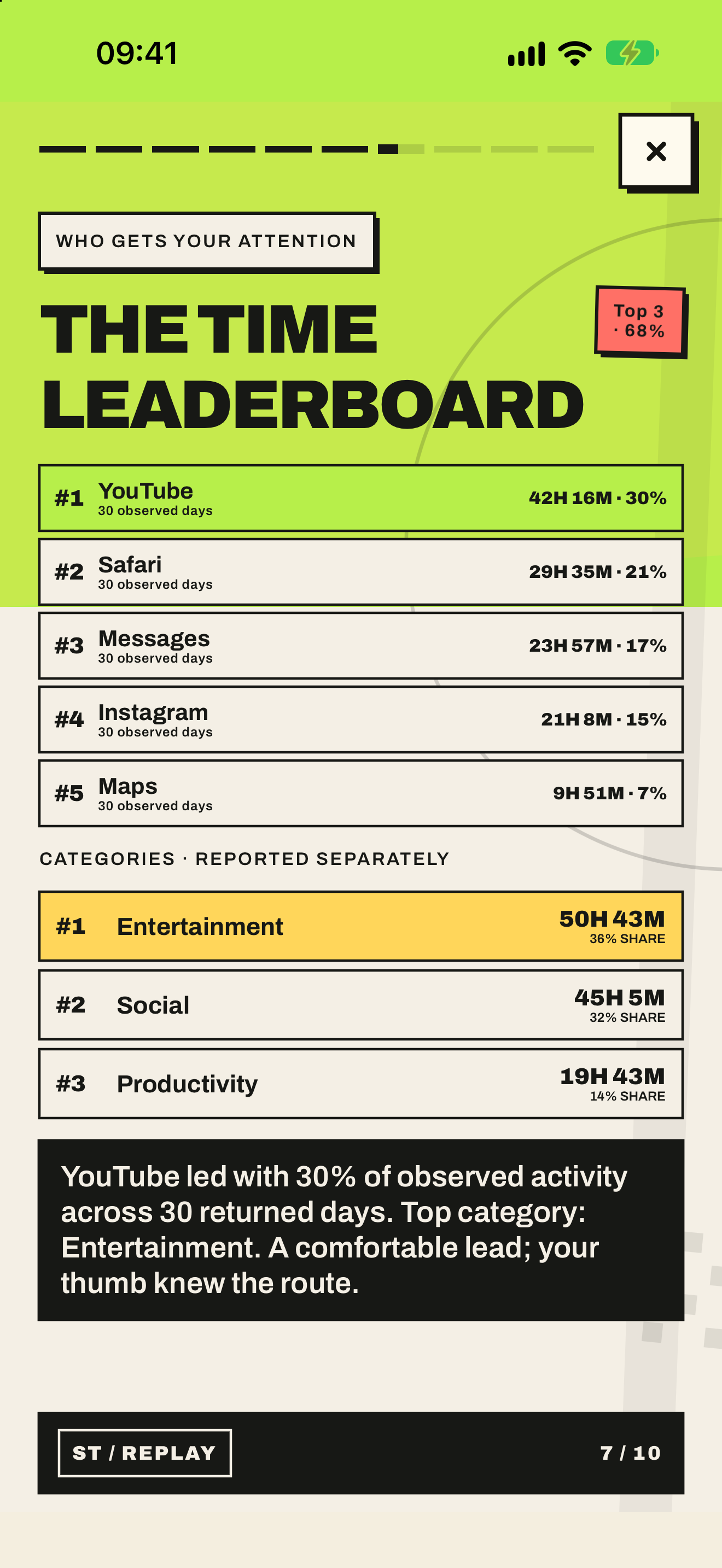
Story card 07: Who gets your attention
07

Who gets your attention

Top apps and categories, ranked without mercy.
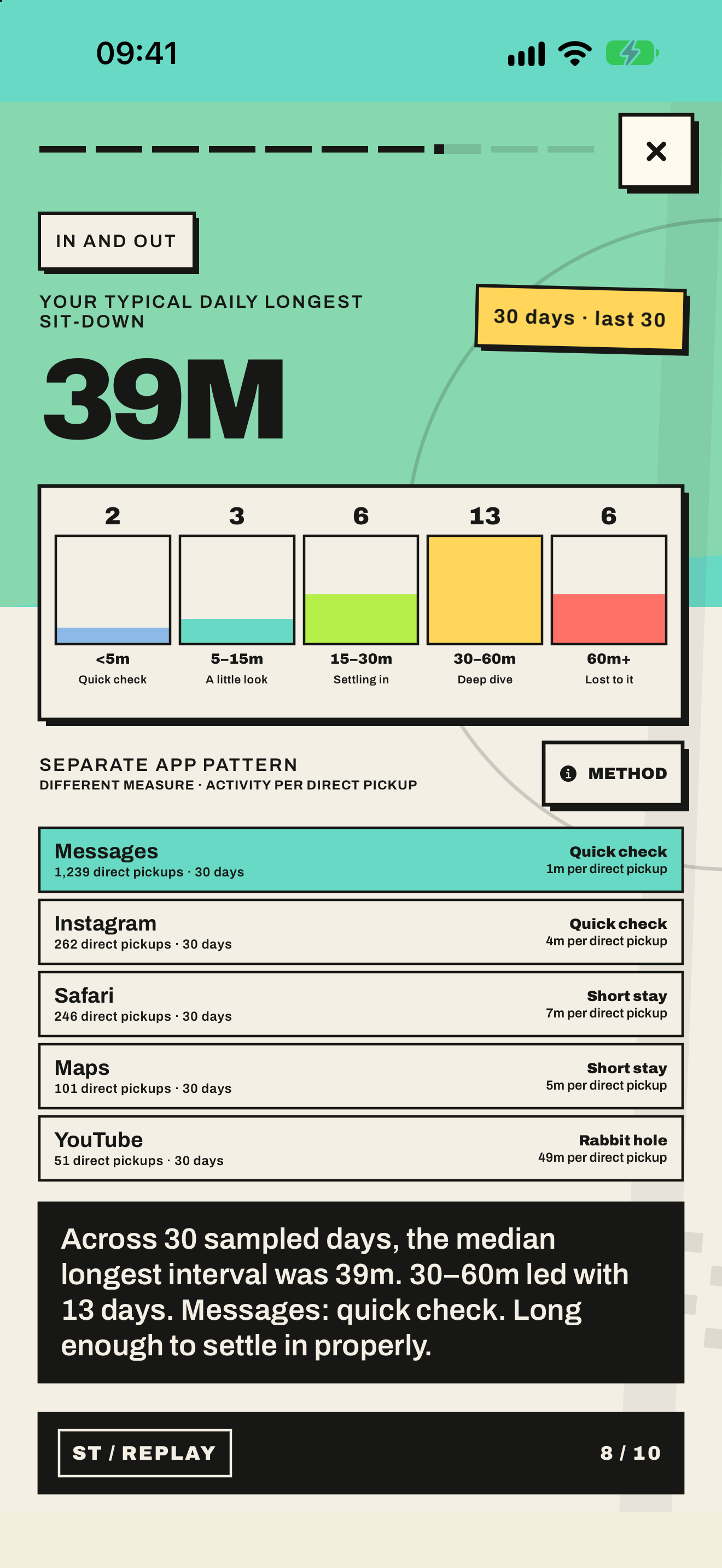
Story card 08: In and out
08

In and out

Quick glances versus the longer sittings.
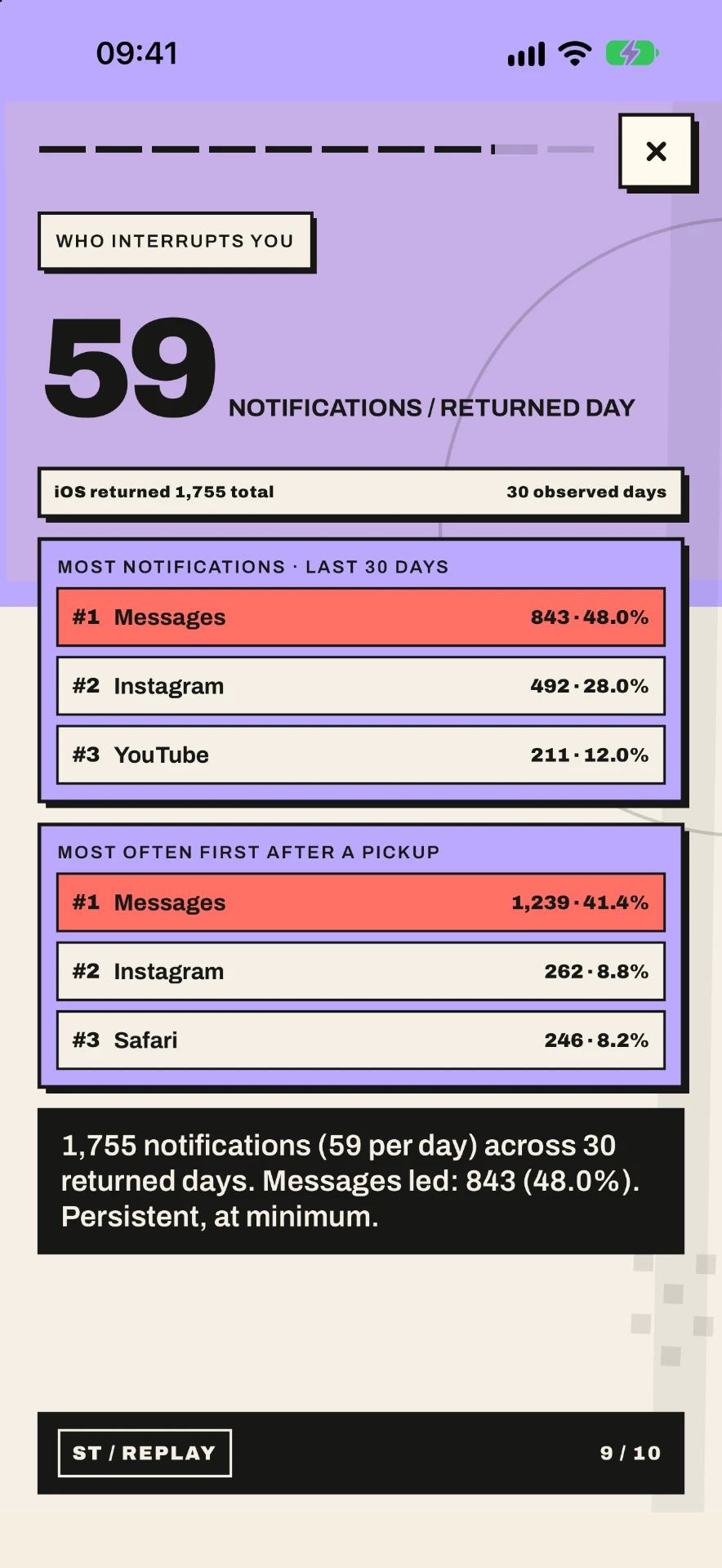
Story card 09: Who interrupts you
09

Who interrupts you

Notification leaders and how frequently they win.
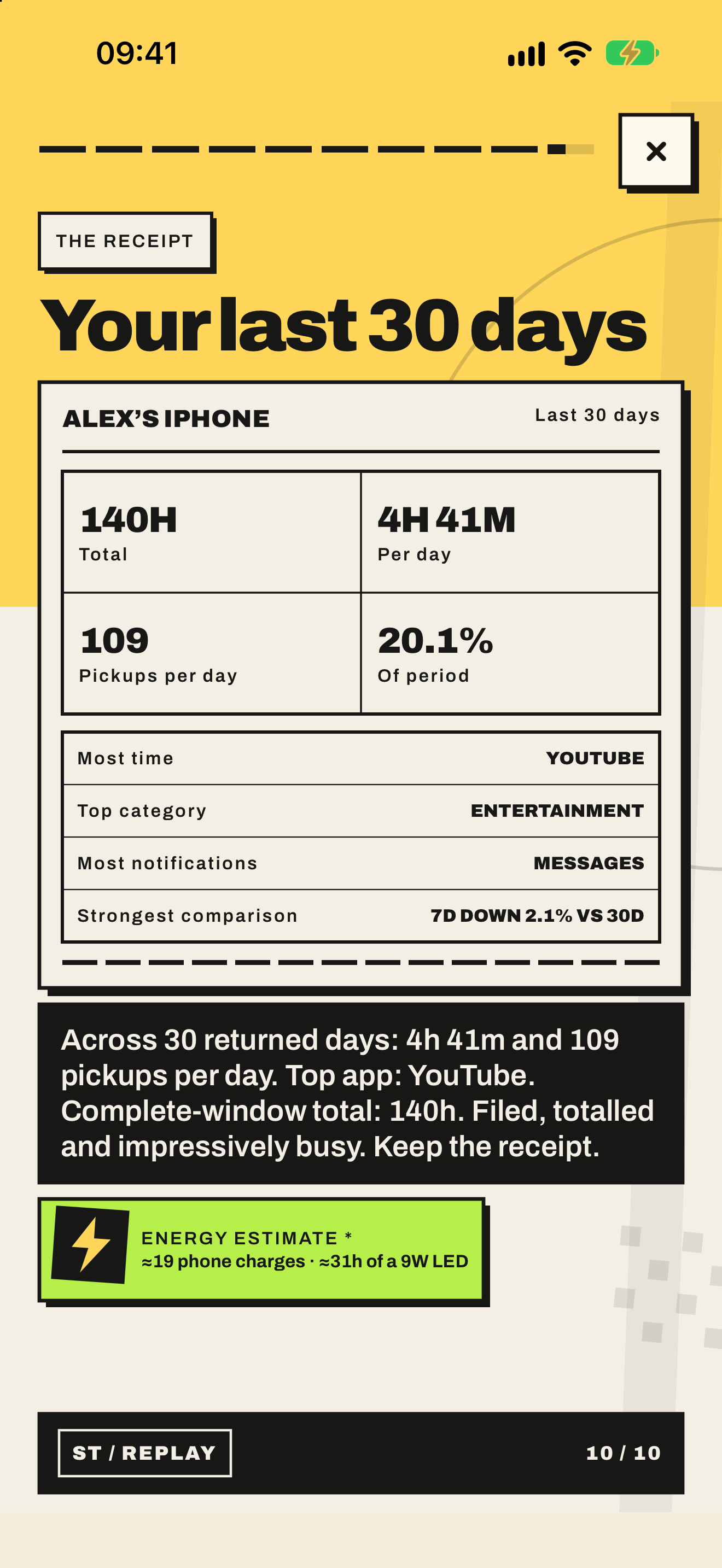
Story card 10: The receipt
10

The receipt

The month condensed into one shareable card.
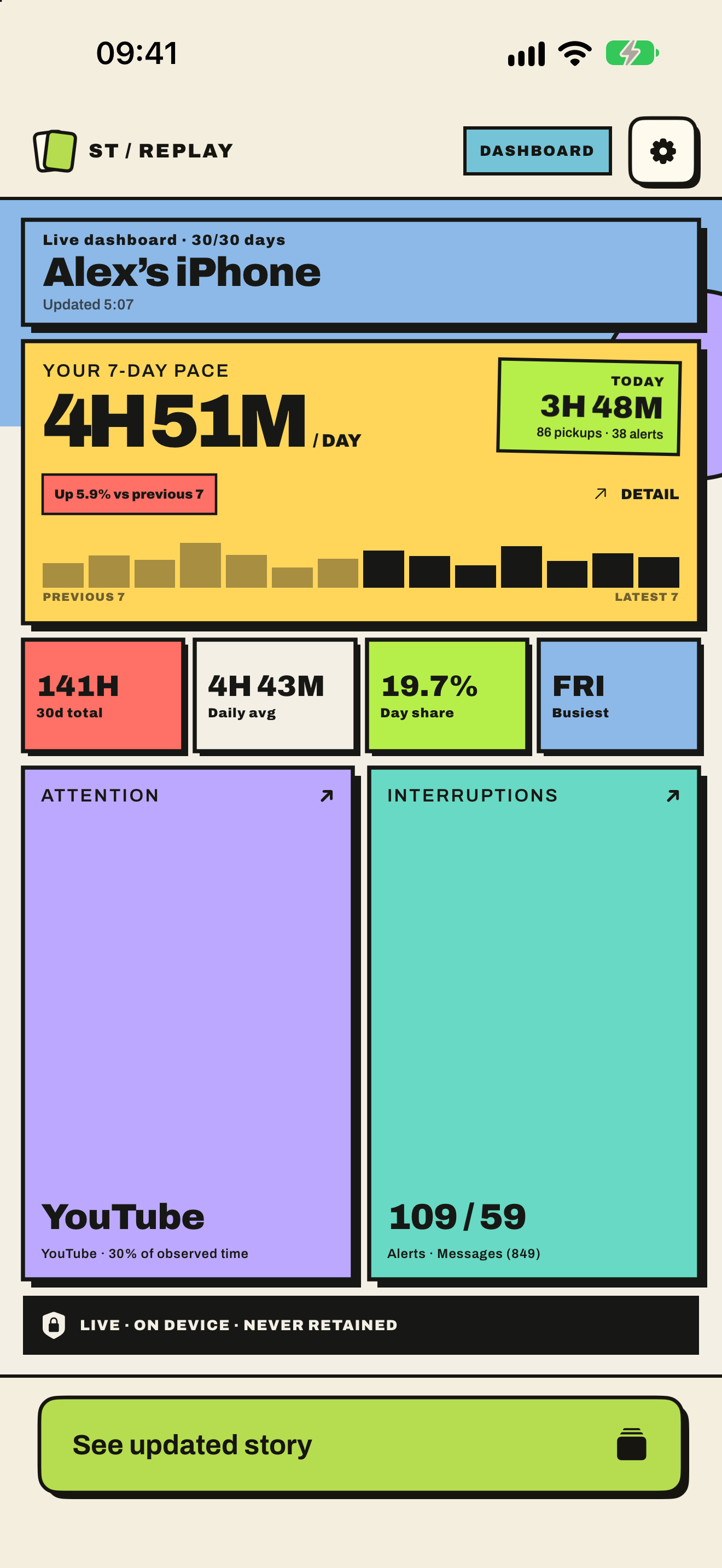
The full picture

The story ends. The dashboard doesn’t.

See your recent pace, daily averages, attention, pickups, interruptions, app rankings and trends whenever you return.

The month, unpacked. Apparently ten cards weren’t judgemental enough.

ST Replay dashboard showing recent Screen Time pace, daily averages, app rankings, pickups and notifications
How it works

Three taps to your receipt.

01

Allow Screen Time

One Apple permission flow. No email address or password required.

02

We read what iOS returned

ST Replay works with the Screen Time history available on your device, normally covering approximately the last 30 days.

03

Story first, dashboard after

Swipe through your ten-card replay, then explore the complete dashboard and updated stories.

Private by design

Judgemental, not nosy.

  • Raw Screen Time activity stays on the device.
  • No conventional account, email address or password is required.
  • Screen Time access is controlled through Apple’s permission system.
  • ST Replay does not sell Screen Time activity or use it for advertising.
  • The Privacy Policy contains the complete details.
Read the Privacy Policy →
Lifetime access

Keep your replay going.

Try the story with limited free opens. A single lifetime purchase unlocks the complete dashboard and future updated stories on your Apple account.

  • One-time purchase
  • No subscription
Your receipt is waiting

Your month has a story.

It may even be flattering. Statistically, though, no promises.